TAKE THE WHEEL
Driving is at the heart of the action. Read the road and make your next move count.
A JLG Games original
FULL THROTTLE.
NO EASY WAY OUT.
Top-down arcade driving combat. Take the wheel, pick your line, and fight your way through.
Free browser demo · ready to play
WINDOWS BROWSER GPU SETUP GUIDE ↓THE FULL RELEASE / WINDOWS
Try the free playable browser demo, then take on the full Combat Overdrive campaign with the Windows release on itch.io.
GET THE FULL RELEASE ON ITCH.IO ↗01 / The game
Some roads are worth fighting for.
Combat Overdrive brings the spirit of classic arcade driving-combat games into a new top-down road battle. Inspired by favourites such as Spy Hunter, it’s about finding your line and staying in the fight.
An independent game from JLG Games.
Driving is at the heart of the action. Read the road and make your next move count.
Vehicles meet firepower. Keep moving as the road becomes your battlefield.
A top-down perspective and a love of classic driving-combat games. Straight to the action.
02 / In the driver's seat
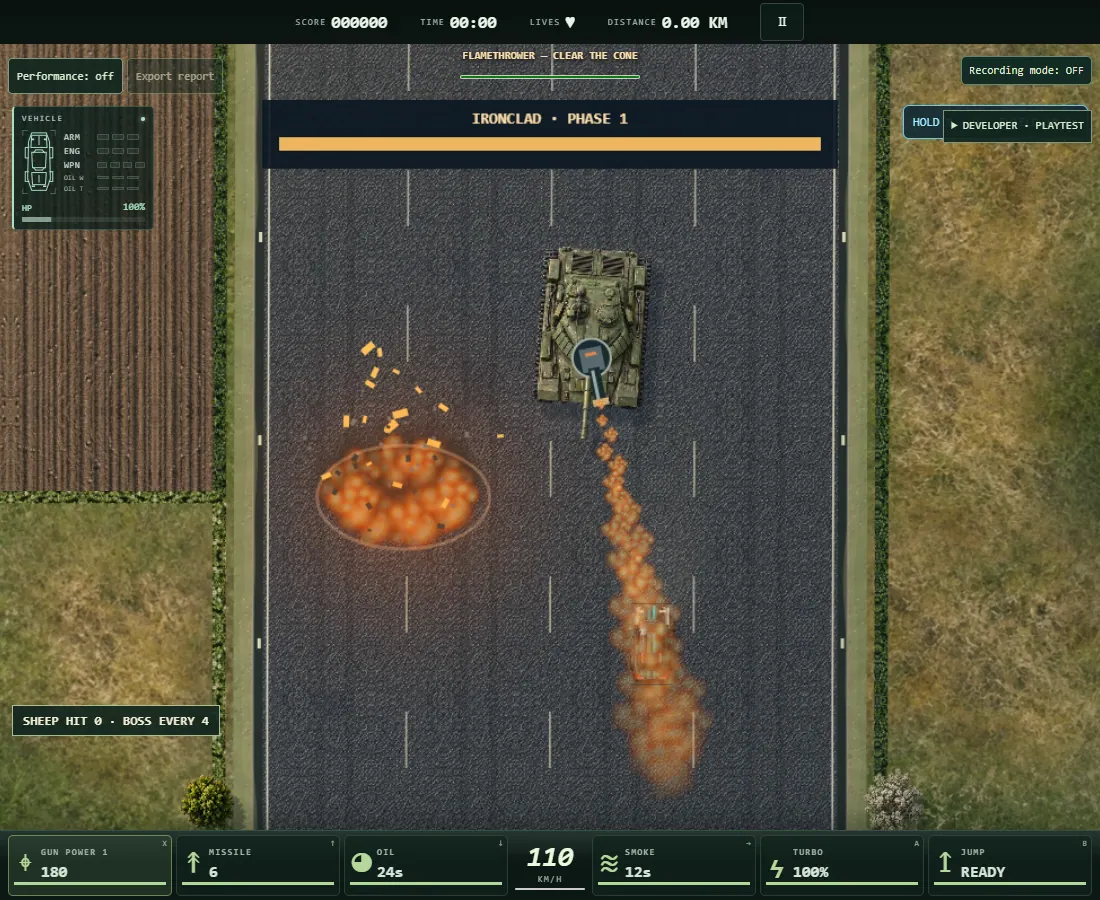
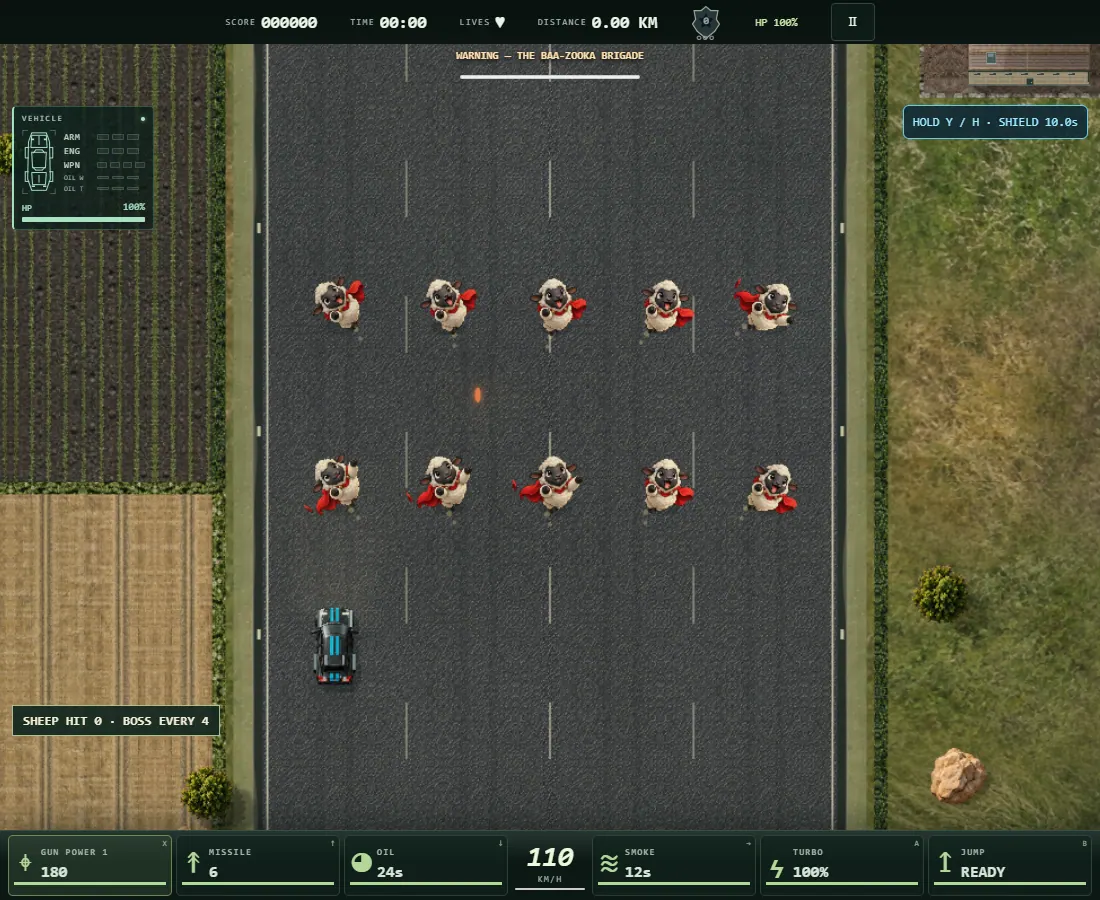
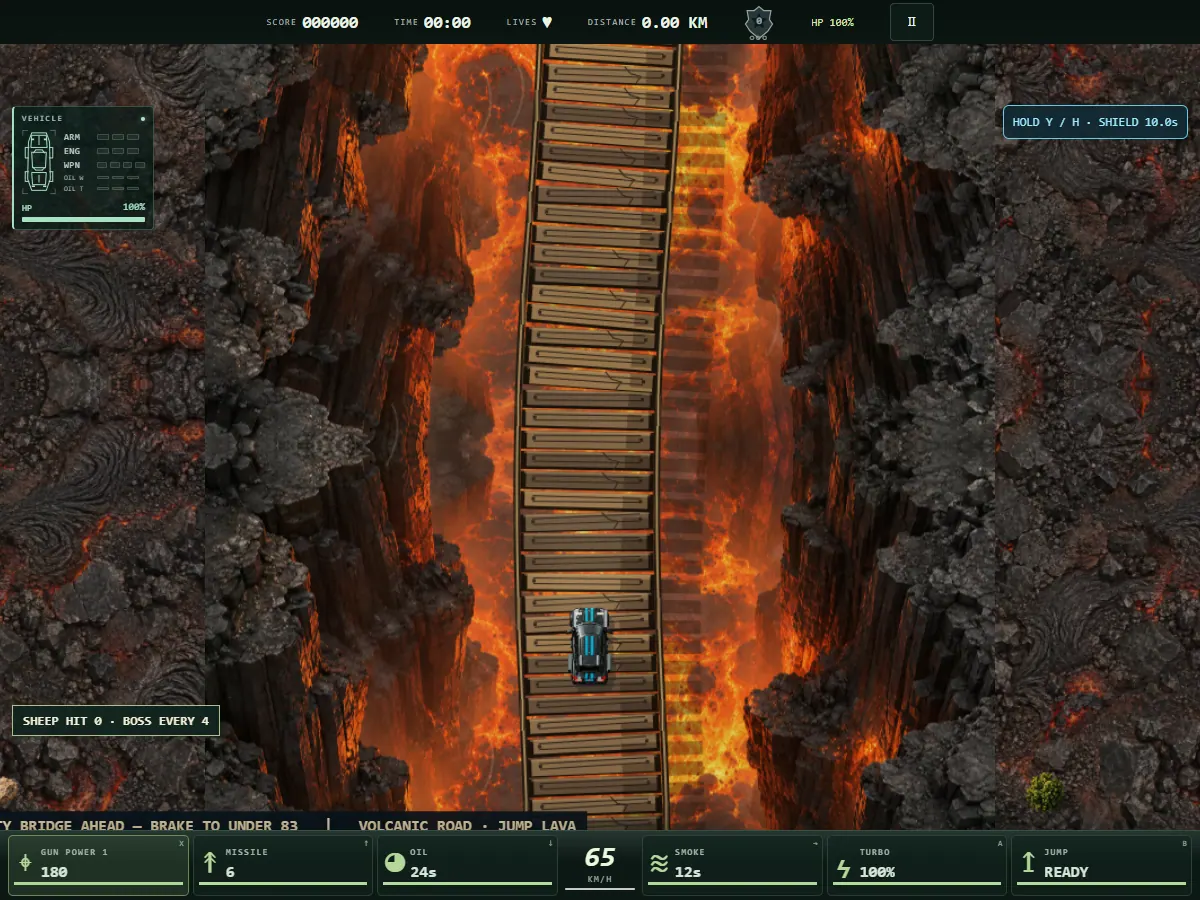
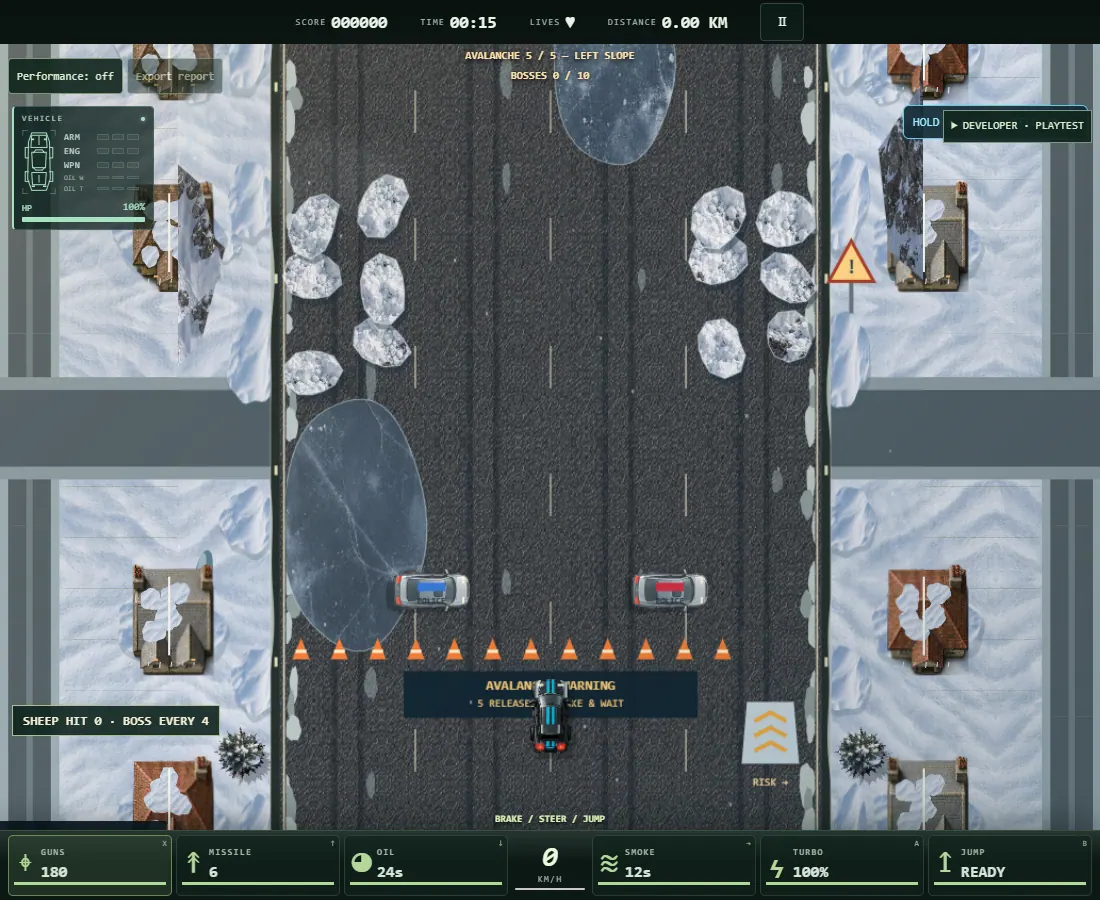
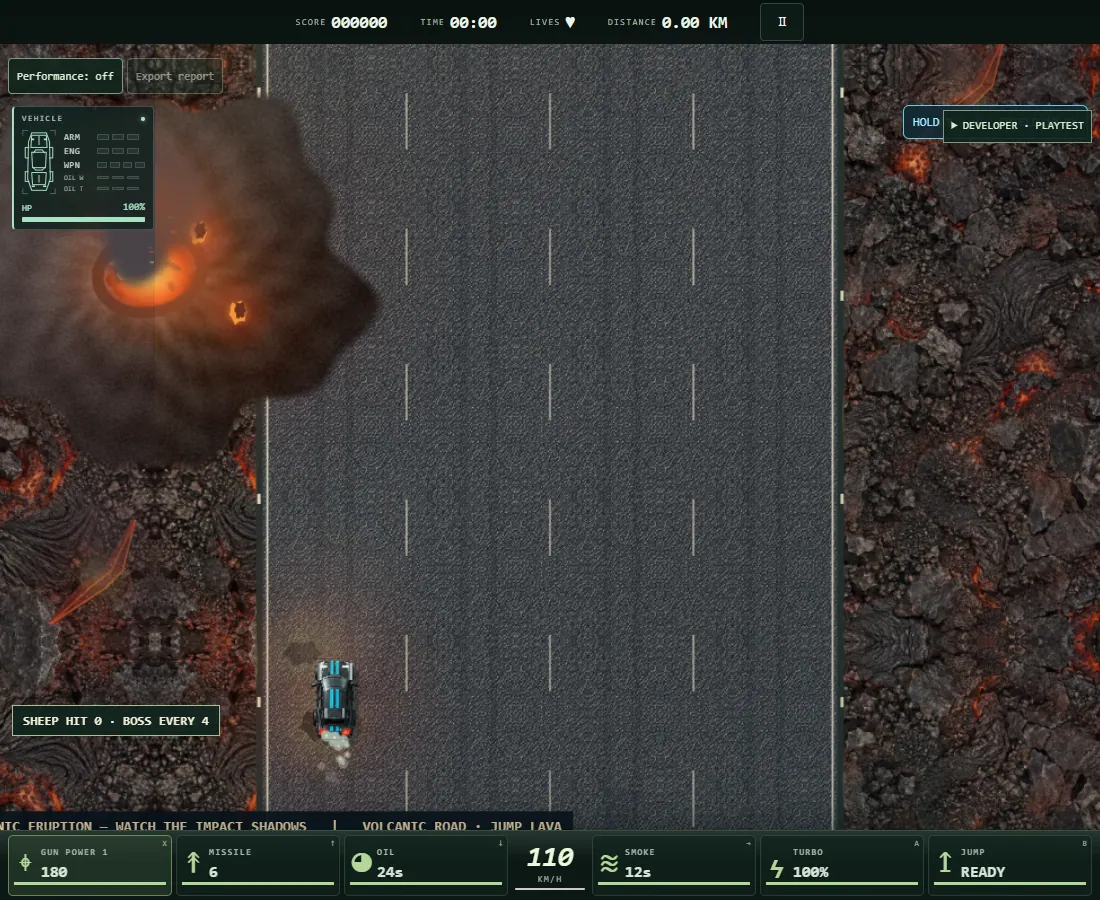
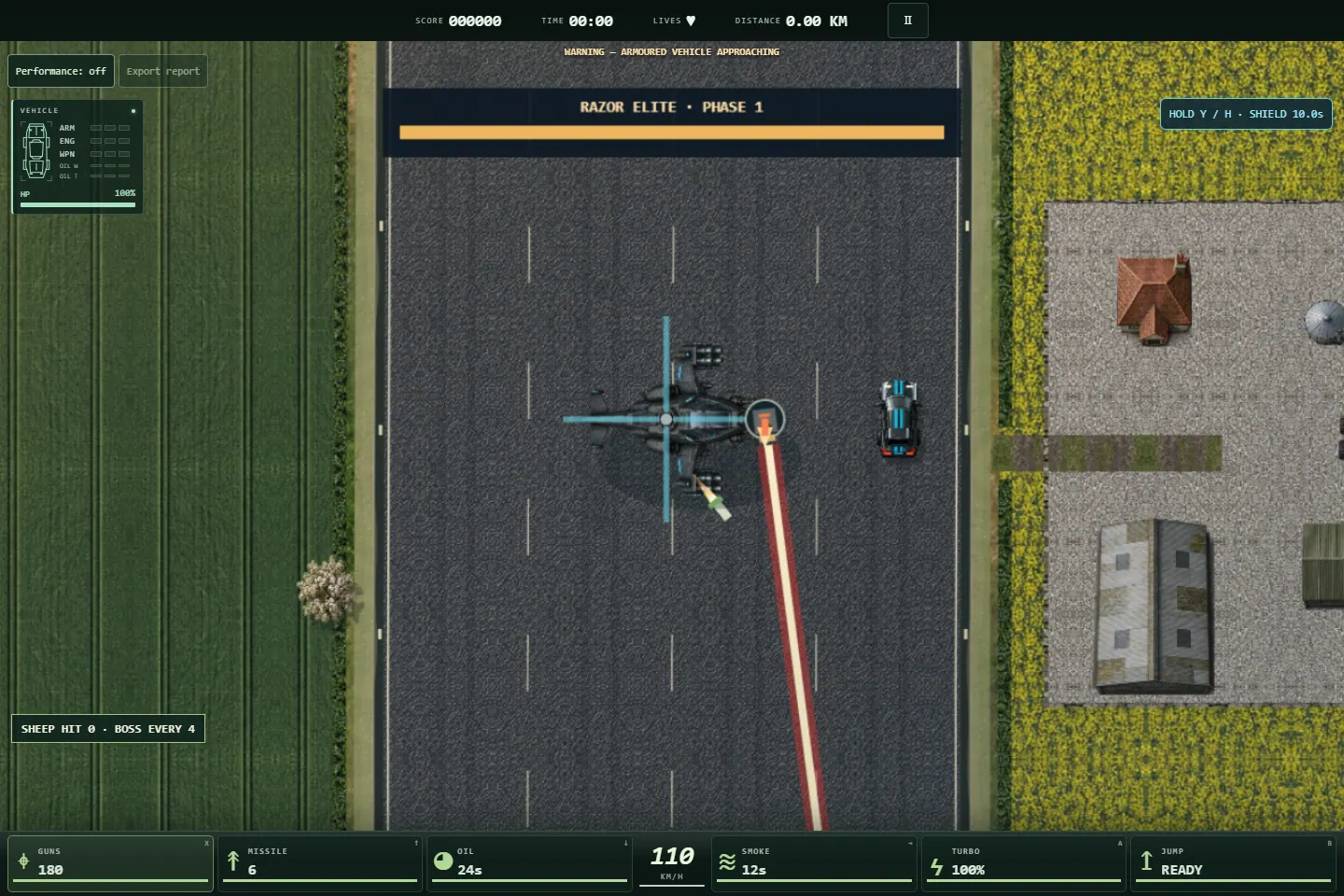
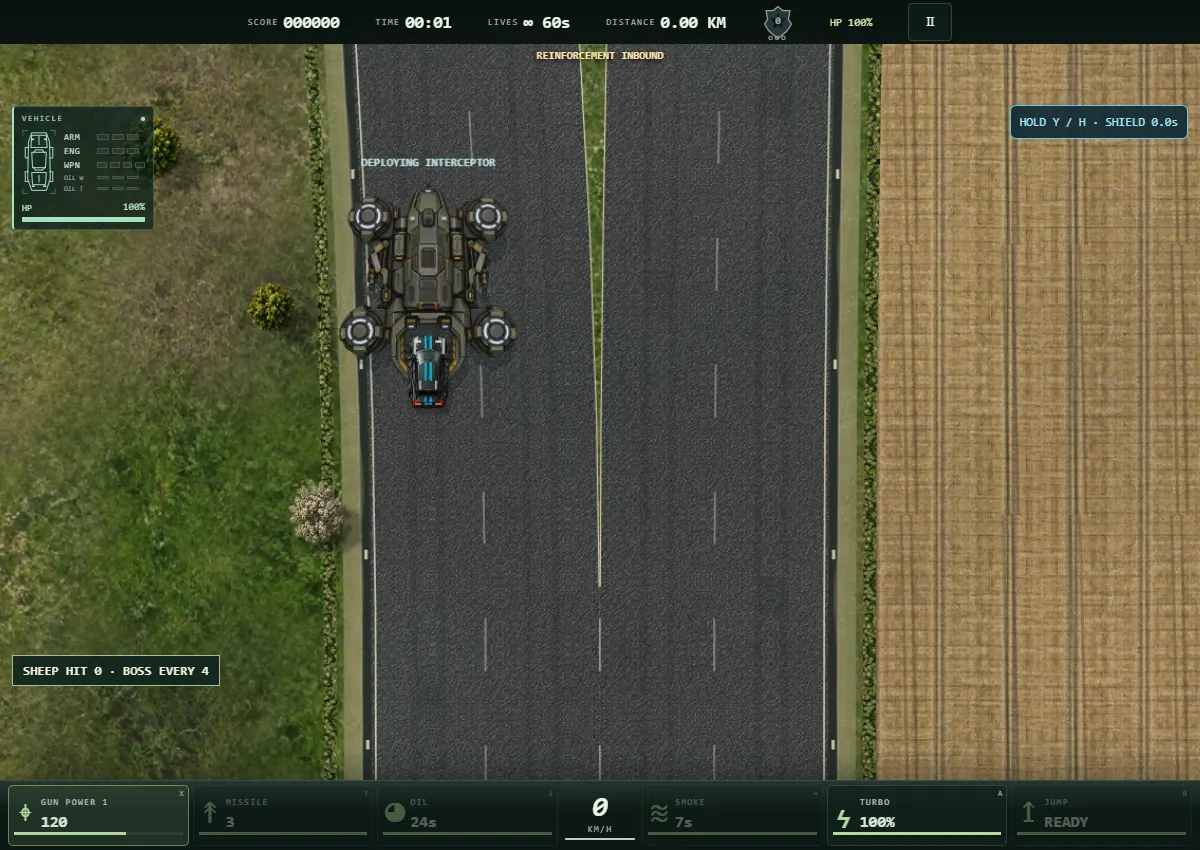
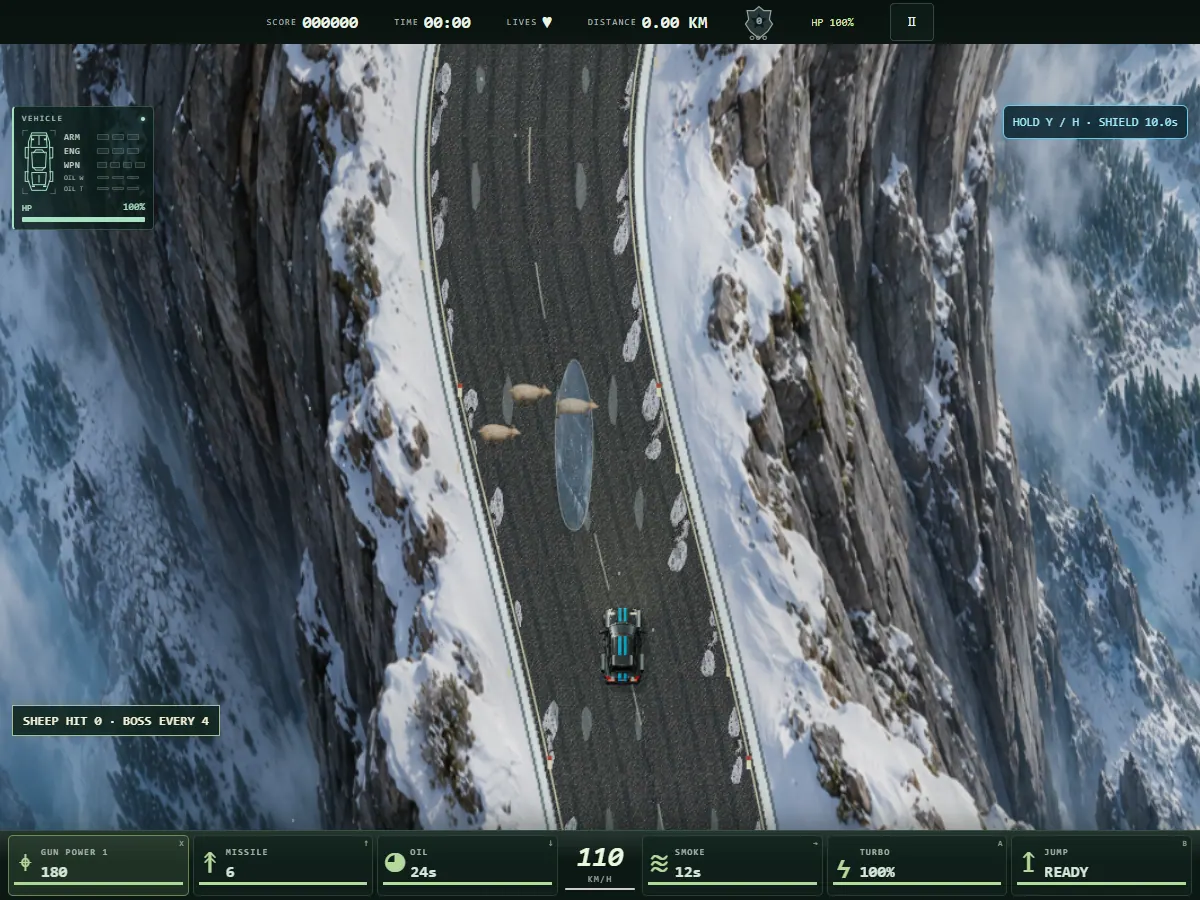
Real captures from Combat Overdrive development builds. Choose a shot for a closer look.
03 / Get ready
Jump into the free browser demo. Keyboard, touch and standard gamepad controls are built in.
Key bindings will be confirmed with the demo.
Controller support and button mappings to be confirmed.
Device requirements, touch controls and browser compatibility will be listed when the demo is ready.
WINDOWS / BROWSER PLAYERS
For smoother browser play, we recommend enabling graphics acceleration. If your PC has a dedicated graphics card, you can also ask Windows to use it for your browser.
Chrome: open Settings → System. Edge: open Settings → System and performance → System (or search Settings for “graphics acceleration”). Turn on Use graphics acceleration when available, then restart the browser using Relaunch or Restart.
Open Settings → System → Display → Graphics (Graphics settings on Windows 10). Find your browser, or add its desktop app using Browse. Select the browser’s executable, such as chrome.exe or msedge.exe. Open Options or GPU preference, choose High performance, then Save. Fully close and reopen the browser.
This choice is useful on PCs with multiple GPUs. If your PC has one GPU, enabling browser acceleration is enough to let the browser use it.
Return here and launch the demo again. Keep your browser and graphics drivers up to date. Performance depends on your PC; these settings do not guarantee a particular frame rate.
YOUR NEXT RUN STARTS HERE
Get behind the wheel of Combat Overdrive.
Free browser demo · ready to play
MAKE THE NEXT BUILD BETTER
Include your game version, PC/device, Windows or browser version, what happened, what you expected, and how to reproduce it.